
WhatsApp AI Chatbot for Business in India: Options, Costs and Setup
Your customers already message you on WhatsApp. Here are the three ways to add an AI chatbot in India, from the free Business AI in the app to the WhatsApp Business API, with real costs and a simple setup plan.
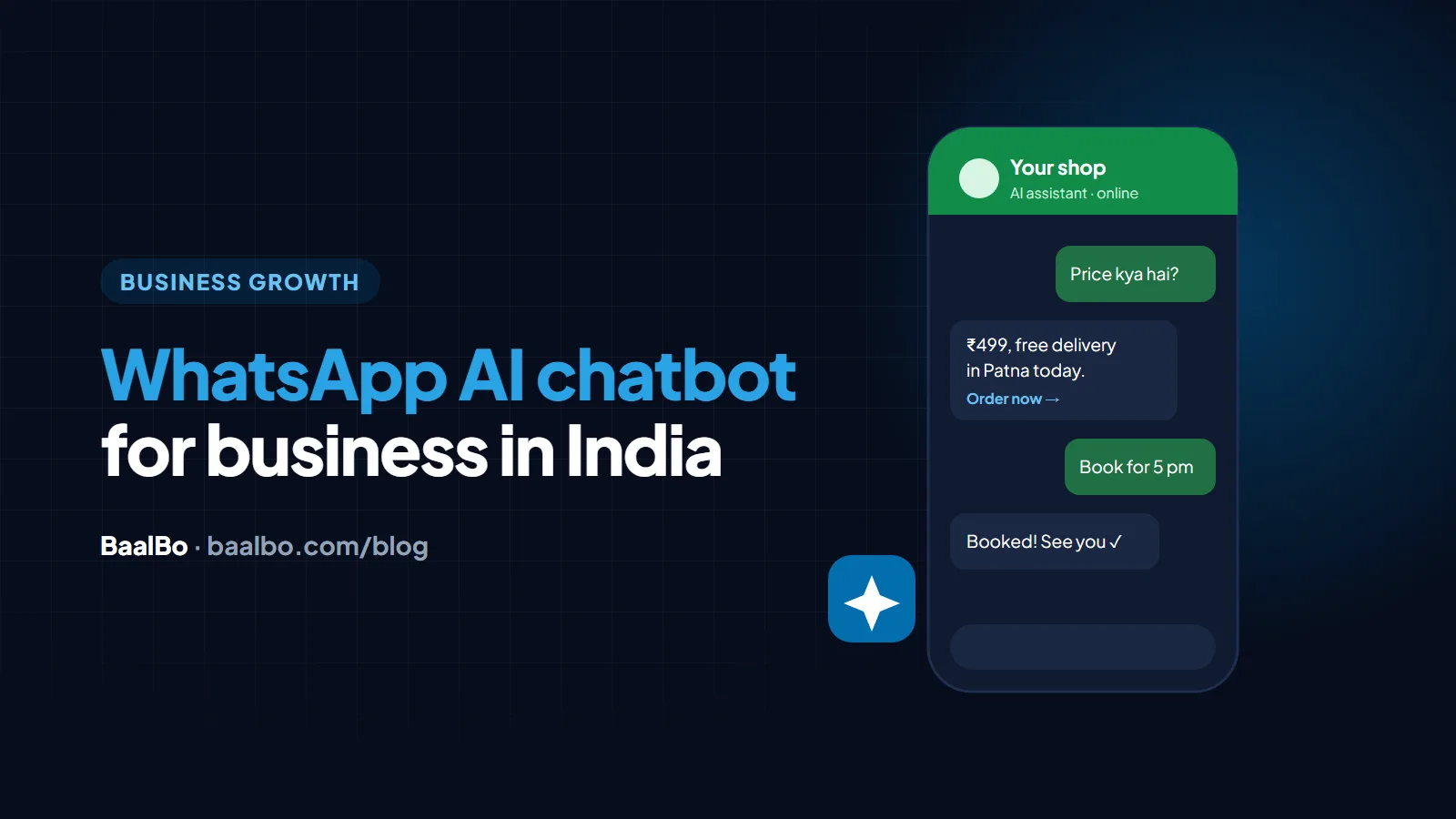
For most Indian businesses, WhatsApp is the real front desk. Customers ask about prices, stock, delivery, timings and appointments there, often late at night, and a reply that comes the next morning is often a lost sale. Meta cites a Kantar study that found 91% of online adults in India chat with a business on WhatsApp every week.
AI chatbots can now answer many of those messages instantly, in Hindi, English or Hinglish, and hand the rest over to you. This guide explains the three ways to do it in India, what each costs, and how to set one up without annoying your customers.
What a WhatsApp AI chatbot can do for you
- Answer common questions about prices, timings, location, delivery areas, return policy and product details.
- Capture leads: ask a few questions (name, need, budget, city) and pass a ready summary to your sales team.
- Book appointments for clinics, salons, coaching classes, service visits and demos.
- Share order updates such as confirmations, dispatch and delivery notifications.
- Recommend products from your catalogue based on what the customer asks for.
- Hand over to a human when the question is complex, the customer is upset, or money is involved.
The difference from old "press 1 for prices" bots is that an AI chatbot understands free-text questions, including spelling mistakes and mixed languages, and replies in natural sentences based on information you give it.
Option 1: Business AI in the WhatsApp Business app
In May 2026 Meta started rolling out Business AI on WhatsApp for small businesses in India, built into the regular WhatsApp Business app. It can answer customer questions around the clock, capture leads and book appointments, and it supports Indian languages.
- Good for: shops, clinics, salons, tutors and service businesses that already use the WhatsApp Business app on one phone.
- How to start: update the app, complete your business profile and catalogue, and look for the Business AI option in the app's business tools. It is rolling out gradually to eligible accounts, so it may not appear for everyone yet.
- Limits: it lives inside the app, so you cannot connect it to your own software, CRM, stock system or website orders the way you can with the API.
If you are a small business and Business AI is available to you, try it first. Give it accurate information, test it with real questions, and watch its replies for the first couple of weeks.
Option 2: A chatbot platform on the WhatsApp Business API
The WhatsApp Business Platform (API) is the version used by larger businesses. You do not use it through the phone app. Instead, a provider such as Interakt, AiSensy, Wati, Gupshup or Twilio connects your number to a dashboard where several team members can chat, and where you can build a chatbot without coding.
- Good for: e-commerce stores, D2C brands, education, real estate and any business with a team handling chats.
- What you get: a shared inbox, AI or flow-based bots, broadcast campaigns to customers who opted in, catalogue and payment links, and integrations with Shopify, WooCommerce, Google Sheets and CRMs.
- Cost: the provider's monthly fee, plus Meta's per-message charges (see below).
Option 3: A custom chatbot connected to your own systems
If your answers depend on live data, such as order status, stock, fees, delivery slots or a customer's account, you need a bot connected to your own database or software through the WhatsApp API. A developer builds the logic, uses an AI model to understand questions and write replies, and fetches the facts from your system so the bot does not guess.
- Good for: businesses with their own software, ERP, booking system or app, or with high chat volumes.
- Cost: a one-time development cost, Meta's message charges, and AI model usage, which is usually small per conversation.
WhatsApp Business API costs in India
Meta charges per delivered template message, and the price depends on the message category. These are Meta's India list rates for 2026, before 18% GST and before your provider's own fees:
| Message type | Example | Approx. cost per message |
|---|---|---|
| Marketing | Offers, festival sale, new arrivals | ₹0.86 |
| Utility | Order confirmation, delivery update, payment reminder | ₹0.115 |
| Authentication | Login OTP | ₹0.115 |
| Service replies | Your replies within 24 hours of a customer messaging you | Free |
The important line is the last one: when a customer messages you first, your replies within the next 24 hours, including chatbot replies, are not charged by Meta. So a bot that answers incoming questions is cheap to run. Promotional broadcasts are where most of the cost comes from. Rates change from time to time, so check Meta's current pricing page before you budget.
On top of Meta's charges, the provider charges for its dashboard. Several Indian providers have a free or low-cost starter plan, and paid plans for small teams are commonly a few thousand rupees a month, rising with more agents, automation and integrations. Compare the total of both before you choose.
How to set up a WhatsApp AI chatbot, step by step
- List your top 30 questions. Go through the last month of WhatsApp chats and write down what people actually ask. This is your bot's syllabus.
- Write clear, correct answers. Prices, timings, delivery areas, refund rules, and what to do when the answer is "it depends". The bot can only be as accurate as this information.
- Pick the option that fits: Business AI in the app, a platform on the API, or a custom bot.
- Decide when a human takes over: complaints, payment problems, bulk orders, anything medical or legal, or when the customer types "agent" or "call me".
- Test it with real questions, including Hinglish, typos and tricky ones like "is this cheaper on Amazon?".
- Launch, then review chats weekly. Fix wrong answers and add new questions as they come up.
Mistakes to avoid
- Letting the bot guess. Tell it to say "let me connect you to our team" when it does not know, rather than invent a price or a policy.
- Hiding the human. Customers get angry when they cannot reach a person. Always offer a way out.
- Spamming broadcasts. Only message people who opted in, and keep promotions relevant. Too many blocks and reports can get your number restricted.
- Using an unofficial WhatsApp tool. Cheap "bulk WhatsApp sender" software breaks WhatsApp's rules and can get your number banned. Use the official app or an official API provider.
- Collecting sensitive data in chat. Do not ask for card numbers, passwords or OTPs. Send a secure payment link instead.
Frequently asked questions
Can I use the same number on the WhatsApp Business app and the API?
A number is normally used on one or the other. Some providers now support "coexistence", which lets you keep the app on your phone while using the API, but check with your provider before moving a number.
Does the chatbot work in Hindi?
Yes. Modern AI models understand and reply in Hindi, Hinglish and other Indian languages. Test it with the way your customers actually type.
Do I need a website for a WhatsApp chatbot?
Not to start, but a website helps: you can add a "Chat on WhatsApp" button, link your catalogue and policies, and the bot can send people to product and booking pages.
Will a chatbot replace my staff?
It takes over repetitive questions so your team can focus on sales, complex queries and unhappy customers. Most businesses use it to reply faster, not to remove people.
Need a WhatsApp chatbot connected to your business?
Our team in Patna builds websites, apps and software that connect to WhatsApp: order updates from your store, lead capture from your website, and bots that read live data from your own system. See our web development and app development services, or let our virtual assistants handle the chats a bot should not.
Contact us and tell us what your customers ask most. We will suggest the simplest setup that fits.

Written by
Sukesh Kumar
Founder, CEO & Director, BaalBo Infotech
Sukesh founded BaalBo Infotech in Patna in 2023 and leads a team building websites, apps and online stores for businesses in India and abroad.
More about Sukesh